Audit Logging
Audit logging
Hal records every action he takes against every tenant — every API call, every report sent, every alert fired, every admin login. The records are retained for the windows most cyber-insurance carriers ask about in their renewal questionnaires.
Every escalation becomes a dated, numbered report you can hand to an auditor or a carrier, with the severity, the model that judged it, and the reasoning attached.
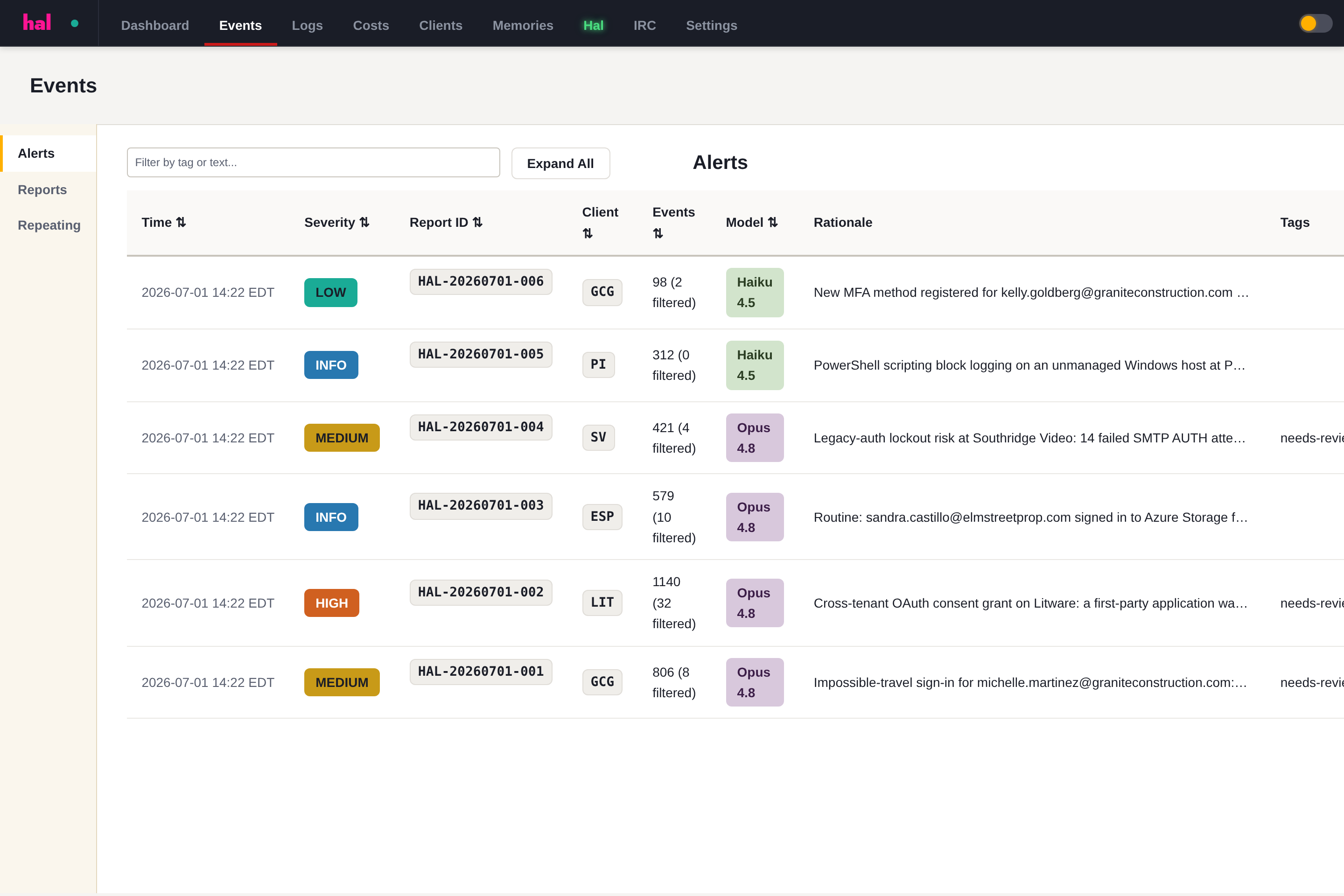
What’s recorded:
- Every Microsoft 365 and Google Workspace ingest cycle, per tenant and per content type
- Every alert fired, with the source events and the remediation served
- Every report generated, and where it was delivered
- Every admin action in the Hal portal
Signed, and yours to verify
Every PDF Hal generates is cryptographically signed. You, your client, or their auditor can confirm a report is genuine and unaltered at Verify a report — without taking our word for it.
Tenant prerequisites: a customer’s tenant must have audit logging enabled before Hal can pull from it. The Audit Logging Prerequisites doc covers what to switch on and how to confirm it.